

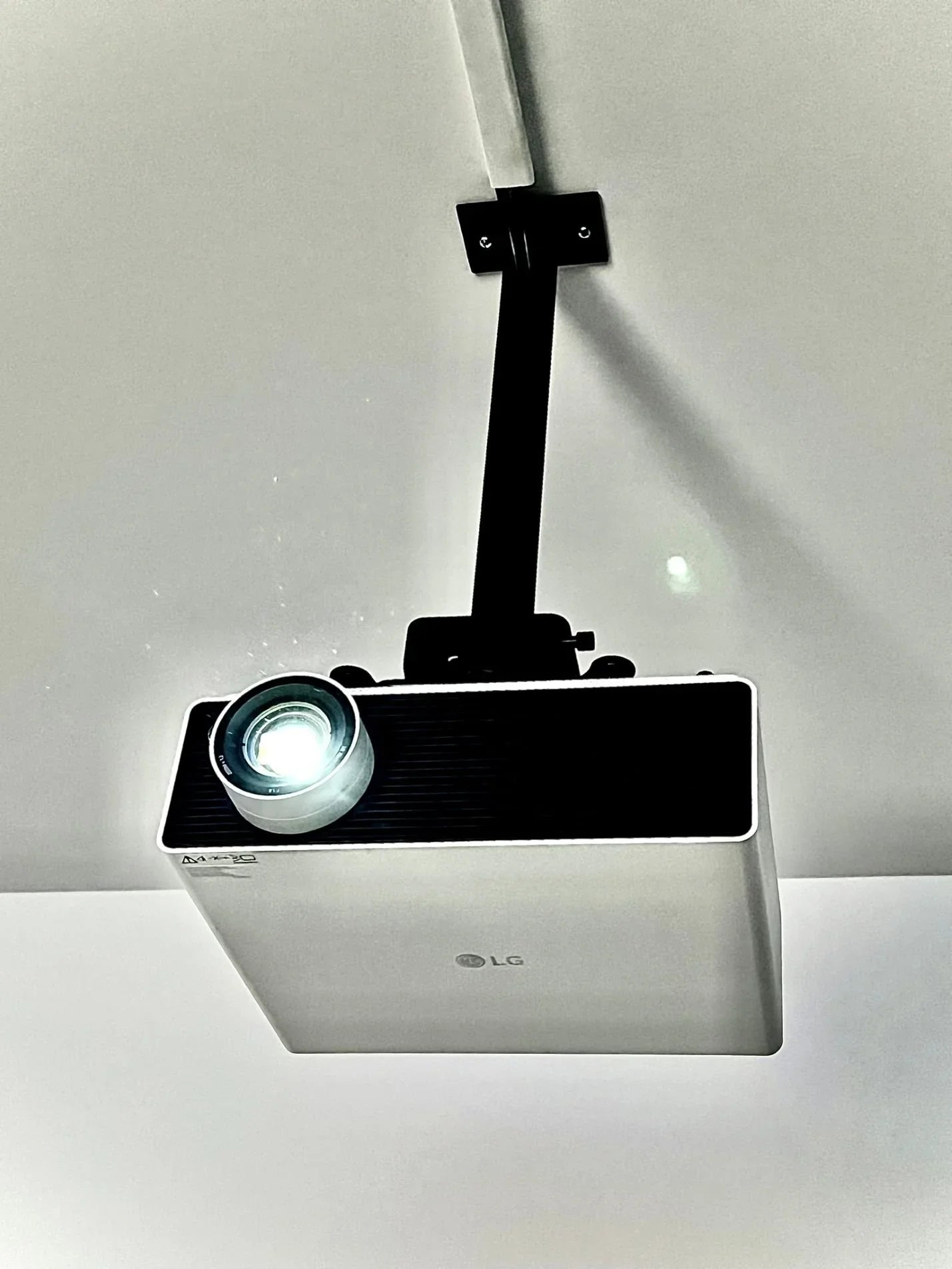
Understanding lumens, throw distance, 4K, and laser technology.
One of the most common questions I receive from golfers planning a simulator is simple:
"What projector should I buy?"
It's a reasonable question, but the answer is often more complicated than people expect. Most golfers immediately start comparing brands, resolutions, and online reviews. While those factors certainly matter, projector selection is usually determined by a handful of technical considerations that have a much greater impact on the final result.
The good news is that you don't need to become a projector expert. A basic understanding of the specifications that matter most will help you make a more informed decision and avoid costly mistakes. Once you understand the relationship between your room, your screen, and your projector, the decision-making process becomes much easier.
Start with the Room, Not the Projector
Before discussing projector specifications, it's important to understand one of the most fundamental principles of simulator design: the room determines the projector.
Many golfers begin shopping for projectors before they have fully considered their room dimensions, screen size, ceiling height, mounting locations, and lighting conditions. In reality, these factors often eliminate projector options long before image quality or brand preference enters the conversation.
A projector that works perfectly in one simulator room may be completely unsuitable in another. The available mounting distance, ceiling clearance, and screen dimensions all play critical roles in determining which projector models will work effectively. Once the room has been properly evaluated, projector selection becomes significantly easier because the list of suitable options narrows considerably.
Why Throw Distance Is So Important
If there is one projector specification every golf simulator owner should understand, it's throw distance.
Throw distance refers to the space between the projector and the impact screen. Every projector has a specific throw ratio that determines how large an image it can produce from a given distance. Understanding this relationship is critical because golf simulators present unique installation challenges compared to traditional home theaters or boardrooms.
In a simulator environment, the projector must be positioned where it won't interfere with the golfer's swing, create distracting shadows, or become vulnerable to an errant golf ball. This is one of the primary reasons short-throw projectors have become the standard choice for golf simulator installations.
Unlike traditional projectors, short-throw models can create large images while being mounted much closer to the screen. This allows the projector to remain safely overhead and out of the hitting area while still filling the impact screen with a bright, immersive image.
A projector may offer excellent brightness, impressive resolution, and glowing reviews, but if it cannot produce the required image size from your available mounting location, it simply isn't the right projector for your room.
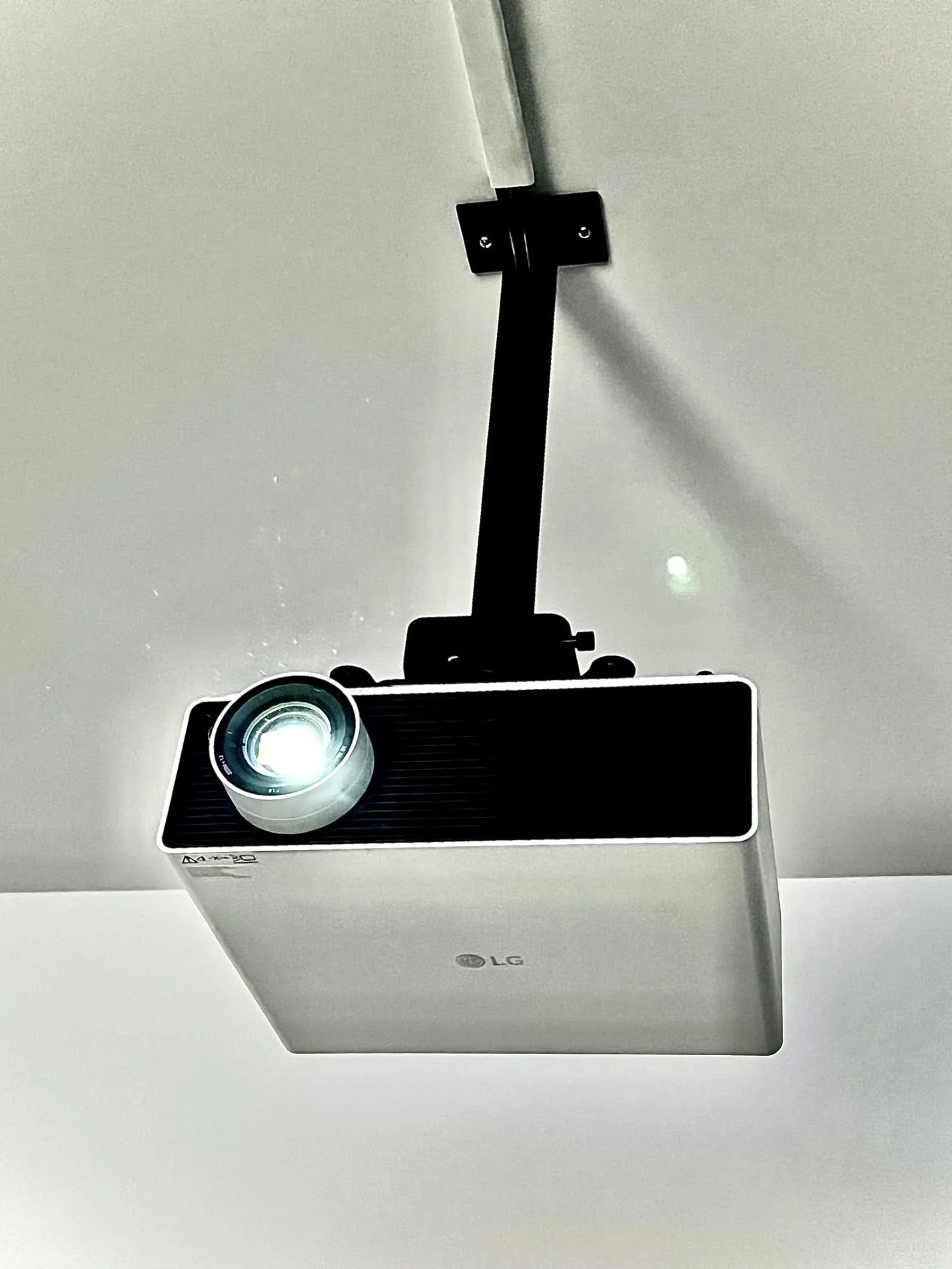
Understanding Brightness and Lumens
One of the most misunderstood projector specifications is brightness.
Brightness is measured in lumens and has a significant impact on the quality of the projected image. It is also one of the biggest factors affecting projector cost. As lumen output increases, projector prices generally increase as well.
The importance of brightness becomes especially apparent when ambient light is introduced into the room. A dedicated simulator room in a dark basement may require far fewer lumens than a garage simulator with windows or a multi-purpose recreation room where lighting cannot be fully controlled.
A projector with excellent resolution but insufficient brightness may struggle to produce a vibrant image. Colors can appear washed out, details may become harder to see, and the overall experience can feel less immersive.
Many golfers become fixated on resolution while overlooking brightness. In reality, a bright, vivid image often contributes more to the simulator experience than additional pixels alone. This is why brightness should always be evaluated within the context of the room and the lighting conditions where the simulator will be used.
Understanding Resolution
Resolution refers to the number of pixels used to create the projected image. In general, higher resolutions produce sharper images and greater detail.
Today's golf simulator buyers are typically choosing between Full HD (1920 x 1080), WUXGA (1920 x 1200), and 4K UHD (3840 x 2160). Modern simulator software looks increasingly impressive as resolution increases. Course textures become more detailed, terrain features appear sharper, and user interfaces become easier to read.
Higher resolution can absolutely improve image quality, particularly when paired with quality simulator software and a capable gaming PC. However, resolution should be viewed as one component of the overall system rather than the sole determining factor.
A properly matched projector with appropriate brightness and throw characteristics will often deliver a better overall experience than a higher-resolution projector that is poorly suited to the room.
The Reality of 4K Golf Simulator Projection
Many golfers assume that purchasing a 4K projector automatically guarantees a true 4K experience. The reality is a little more complicated.
Most modern projectors are designed around a native 16:9 aspect ratio. To fully utilize every available pixel, the projection surface should ideally match that same aspect ratio. Golf simulators, however, frequently use custom screen dimensions that differ from traditional television formats. When that happens, portions of the projected image may be cropped or unused, reducing the ability to display every available pixel.
That doesn't mean a 4K projector isn't worthwhile. Far from it. The increase in image sharpness, detail, and pixel density can still be substantial. It simply means that screen dimensions and room design continue to influence the final result.
There is another important factor that many golfers overlook when considering 4K projection: the gaming PC.
Displaying a true 4K image requires more than simply purchasing a 4K projector. The simulator software itself must also be rendered at 4K resolution, which places significantly greater demands on the computer's graphics card and overall system performance.
Software platforms such as GSPro, E6 Connect, TGC 2019, and ProTee Labs can look absolutely stunning in 4K, but achieving smooth performance typically requires a more powerful graphics card than what would be needed for standard HD projection. Without adequate processing power, golfers may experience reduced frame rates, stuttering, or lower graphics settings that diminish the benefits of the projector.
This is one reason projector selection should always be considered alongside the gaming PC. At SimCaddy, we offer gaming PCs specifically configured for both HD and 4K simulator environments to ensure the projector, software, and computer work together as a complete system.
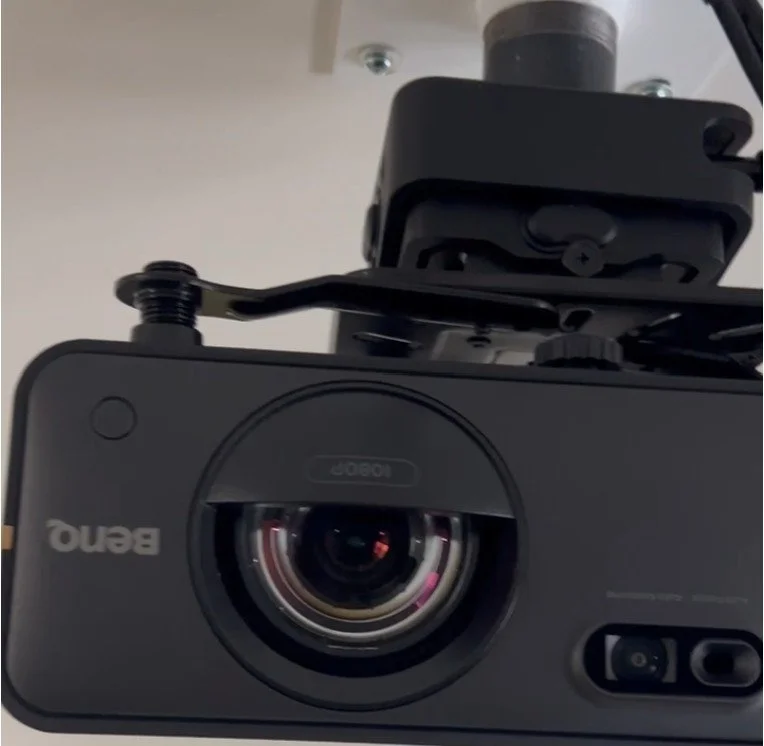 Laser vs Lamp Technology
Over the last several years, laser projection technology has become increasingly common in golf simulator installations.
Traditional lamp-based projectors have been around for decades and remain capable of producing excellent image quality. However, laser projectors offer several advantages that have made them particularly attractive for simulator applications.
Laser illumination systems generally provide longer operating life, more consistent brightness over time, reduced maintenance requirements, faster startup and shutdown times, and improved overall efficiency. For simulator owners who use their systems regularly, these benefits can be very appealing.
While lamp-based projectors still represent a viable option in many situations, the long-term convenience and performance advantages of laser technology explain why so many premium golf simulator projectors now utilize laser illumination.
Don't Overlook Installation Flexibility
Another projector characteristic that is frequently overlooked is installation flexibility.
Some projectors offer optical zoom capabilities and lens adjustments that provide greater flexibility when determining mounting locations. Others require much more precise positioning to achieve the desired image size and alignment.
This may not seem important during the planning stage, but real-world installation conditions often introduce challenges. Ceiling fixtures, structural beams, HVAC systems, lighting, and existing room features can all affect where a projector can be mounted.
A projector with greater installation flexibility can simplify the installation process and provide additional options when working within existing room constraints. In retrofit applications, this flexibility can become a significant advantage.
What Matters Most?
If I were ranking projector considerations in order of importance for most golf simulator projects, the list would look something like this:
-
Room dimensions
-
Throw distance
-
Brightness (lumens)
-
Screen size and aspect ratio
-
Installation flexibility
-
Resolution
-
Laser versus lamp technology
That doesn't mean resolution and laser technology aren't important. They absolutely are.
However, the first five factors often determine whether the projector will physically work in the room at all. Once those requirements are satisfied, features such as resolution and illumination technology can be used to further refine the selection process.
 Helpful Planning Resources
If you're in the early stages of planning a simulator, there are several excellent online tools available that can help you better understand projector sizing and throw distance requirements.
Projector Central offers a useful projection calculator that allows users to estimate image sizes and mounting distances for many projector models. BenQ's Golf Simulator Planner is another excellent resource that can help visualize how specific projectors may fit within a room based on screen size and available space.
These tools are extremely valuable for understanding the fundamentals and narrowing down potential options. However, they should be viewed as starting points rather than final answers.
Every simulator room presents a unique combination of dimensions, ceiling heights, lighting conditions, mounting opportunities, and user preferences. A projector that appears ideal in an online calculator may not necessarily be the best fit once all variables are considered together.
This is where experience and proper system design become important.
If you're unsure which projector is best suited to your space, feel free to contact SimCaddy. We're always happy to help golfers evaluate their options and avoid costly mistakes before making an investment.
Final Thoughts
Modern golf simulator projectors are better than they have ever been. Today's market offers more brightness, higher resolutions, improved installation flexibility, and more laser-powered options than were available just a few years ago.
That's great news for golfers.
However, successful projector selection still comes down to understanding the fundamentals. Before comparing brands, features, and specifications, take the time to understand your room and your installation requirements.
Once you do, the right projector often becomes much easier to identify.
And that's ultimately the goal - not finding the best projector on the market, but finding the best projector for your simulator.
About the Author
Tom Murray is the founder of SimCaddy, a Certified Technology Specialist (CTS), and a passionate golfer with a keen interest in golf technology and game improvement. Combining professional audiovisual design principles with real-world simulator experience, Tom helps golfers navigate the complexities of launch monitors, projection systems, simulator software, gaming PCs, and room design. Through SimCaddy, Tom focuses on helping golfers understand what is possible and creating simulator experiences that deliver lasting value.
Share:
The Room Determines the Projector
Can a Golf Simulator really improve your game?