
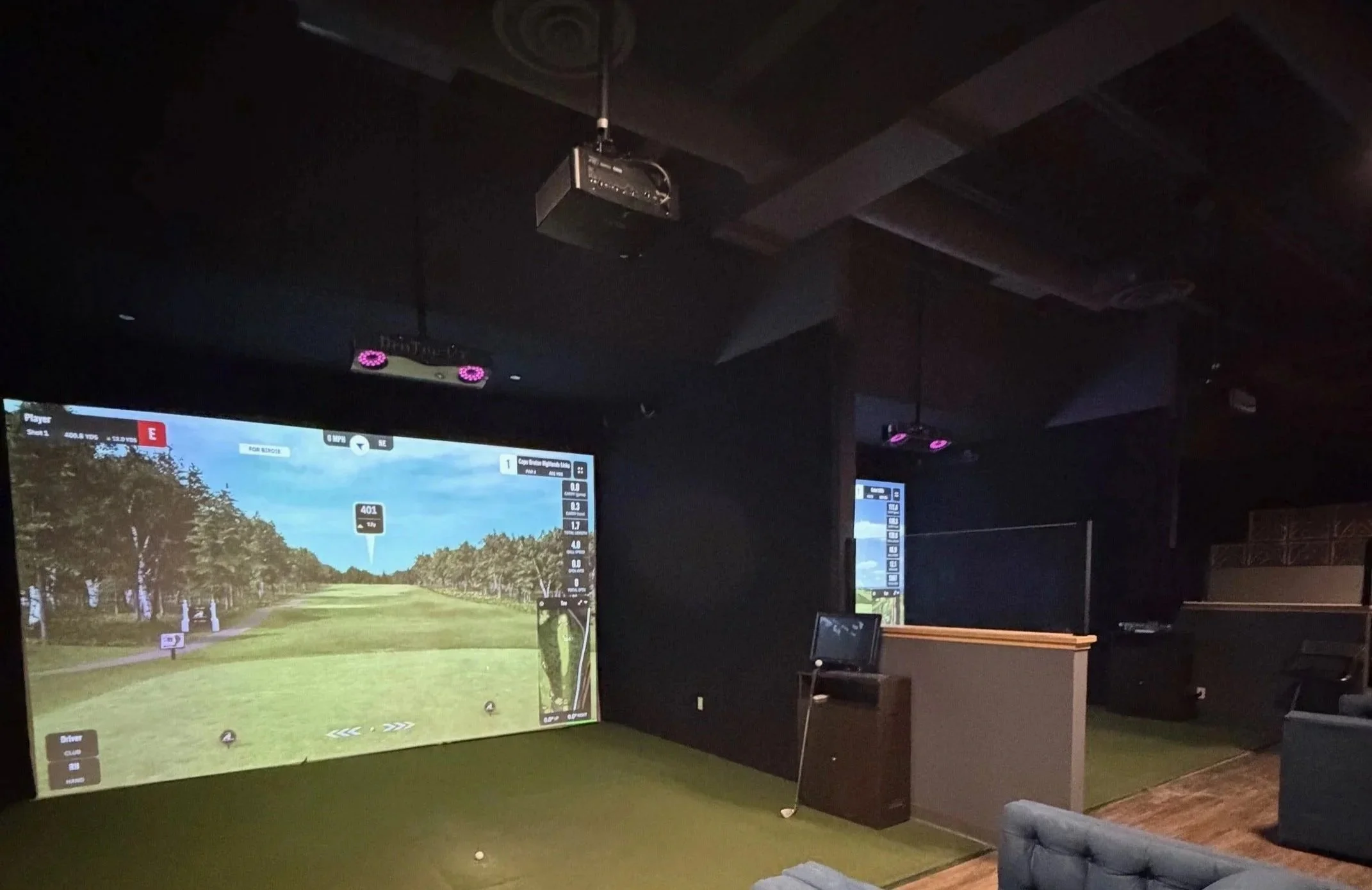
built-in room
golf simulator Kit
custom designed for your room
SimCaddy designs and builds premium golf simulator systems custom-tailored to your room’s exact measurements, adding bespoke wall and ceiling protection so your simulator fits and functions perfectly creating a top‑quality entertainment space for golf, gaming, movies and more.
Customize to your room
Creating a built-in golf simulator room starts with your space.
SimCaddy can configure the impact screen, mounting system, and wall and ceiling treatment around your room dimensions, projector, lighting conditions, and preferred finish.
Step 1:
Prepare and Measure Your Room
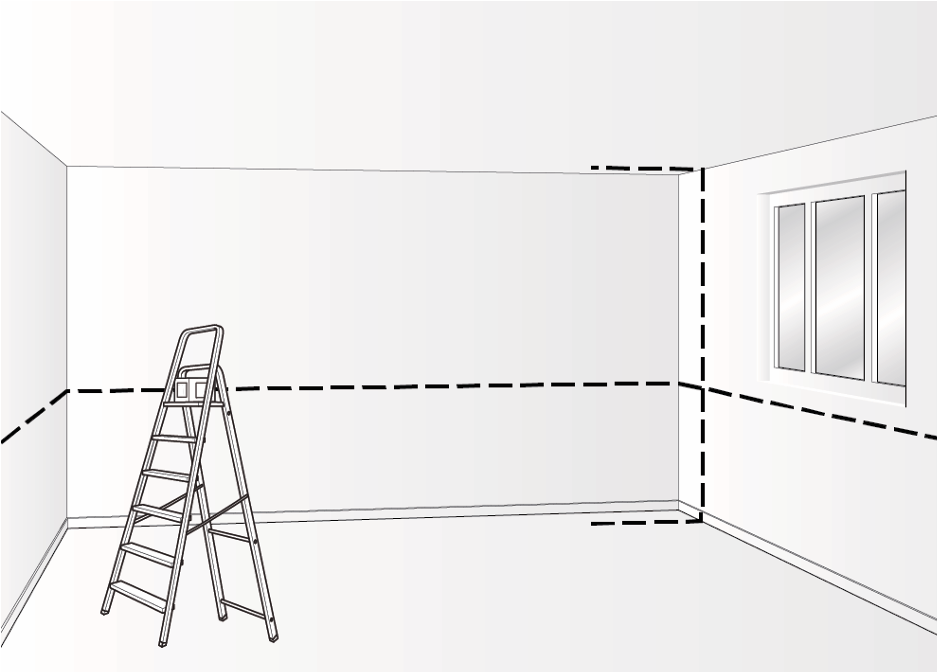
The Built-In Golf Room Kit is designed to install into a properly framed opening. Before we can configure your kit, we need the finished framed dimensions of the simulator area:
Framed width
Framed height
Available room depth
Ceiling height
Locations of doors, windows, vents, lights, outlets, soffits, or other obstructions
These measurements determine the available screen size and help us plan the appropriate depth for wall and ceiling protection.
A built-in room can be customized to fit many screen sizes and aspect ratios. However, whenever possible, SimCaddy will aim to match the screen shape to the native aspect ratio of your projector. For most modern golf simulator projectors, this means targeting a 16:9 aspect ratio. Matching the screen to the projector’s native format helps create the best projected image, using the projector’s pixels efficiently and minimizing unused screen space. Custom aspect ratios are available when room dimensions require a different format. The advantage of a built-in room is that the system can be adapted around your space rather than forcing your room to fit a standard enclosure size.
Step 2:
Choose Your Premium Impact Screen
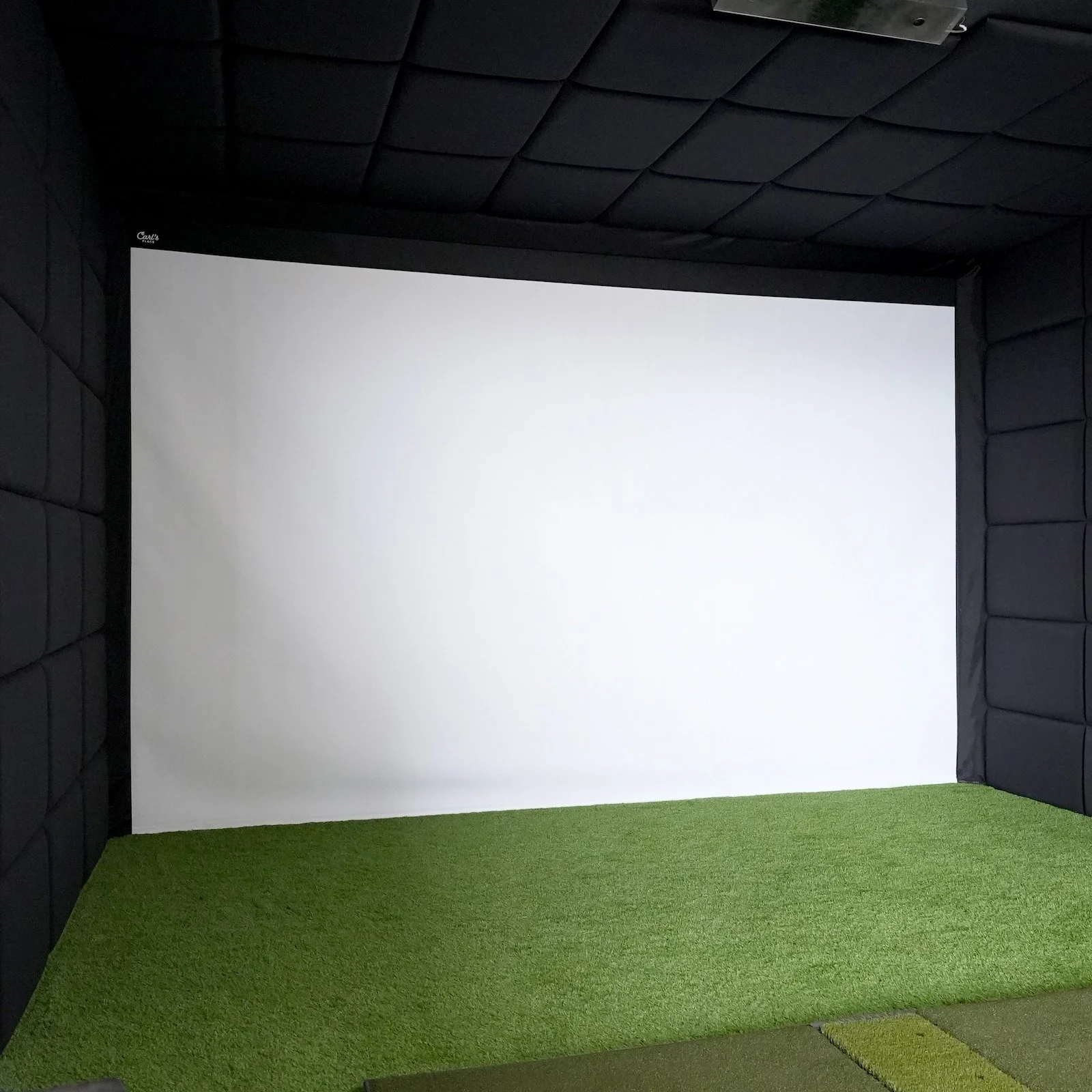
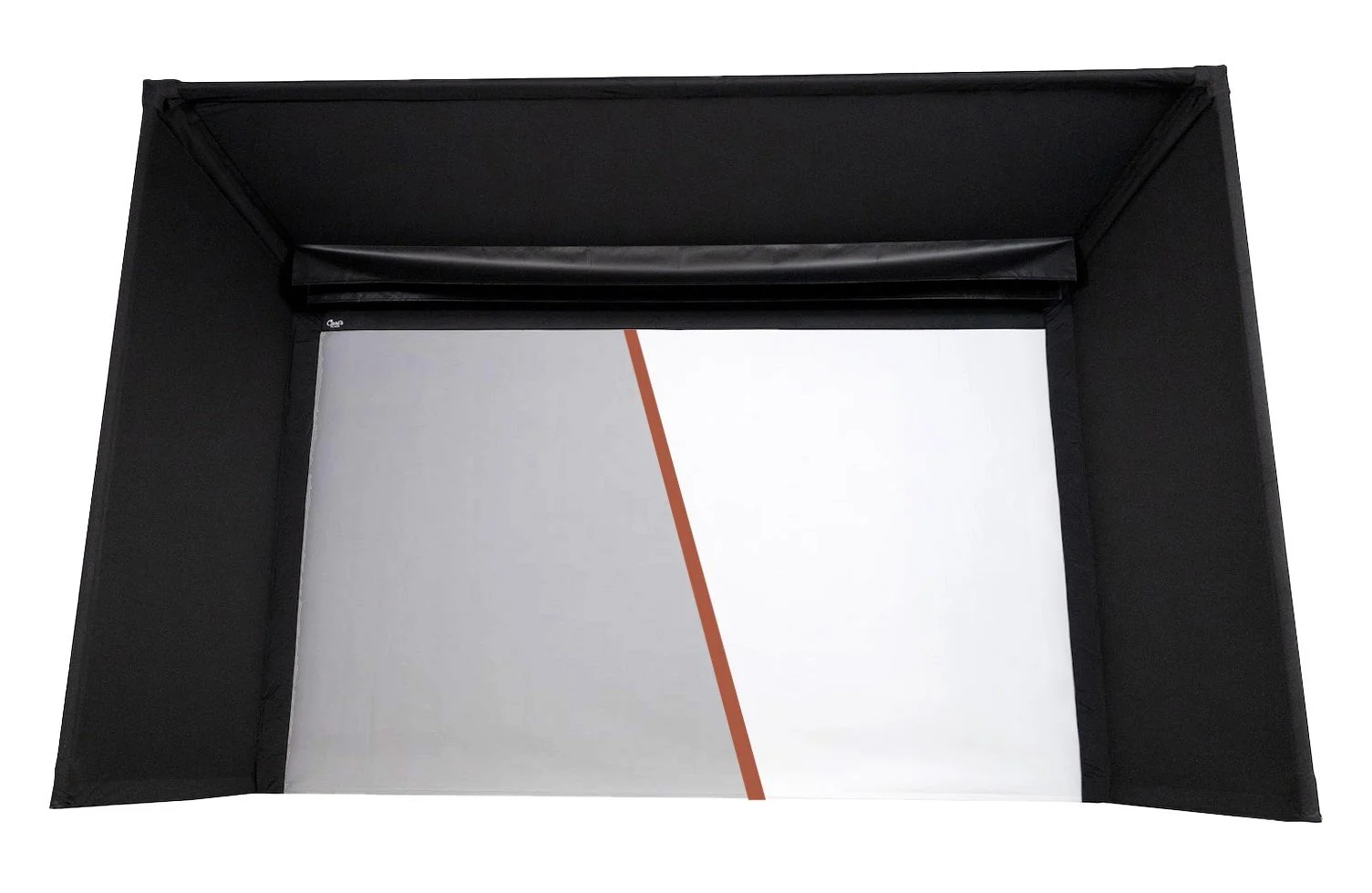
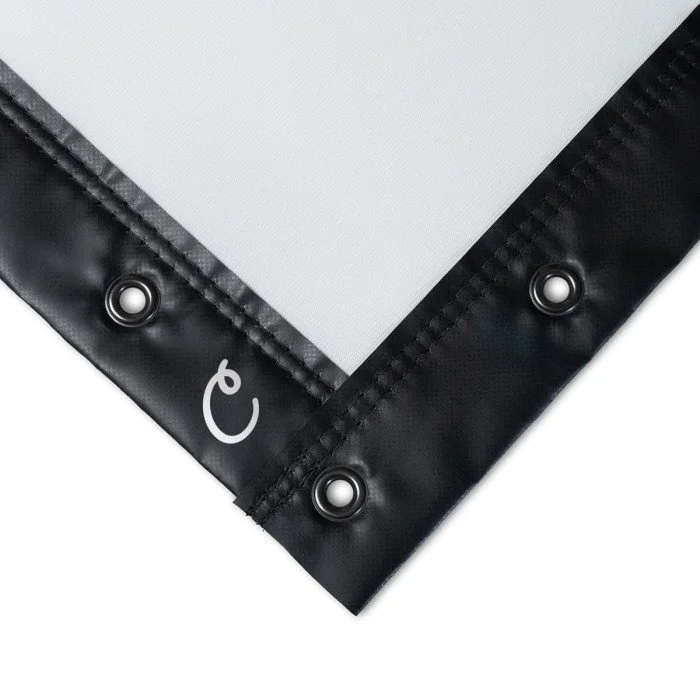
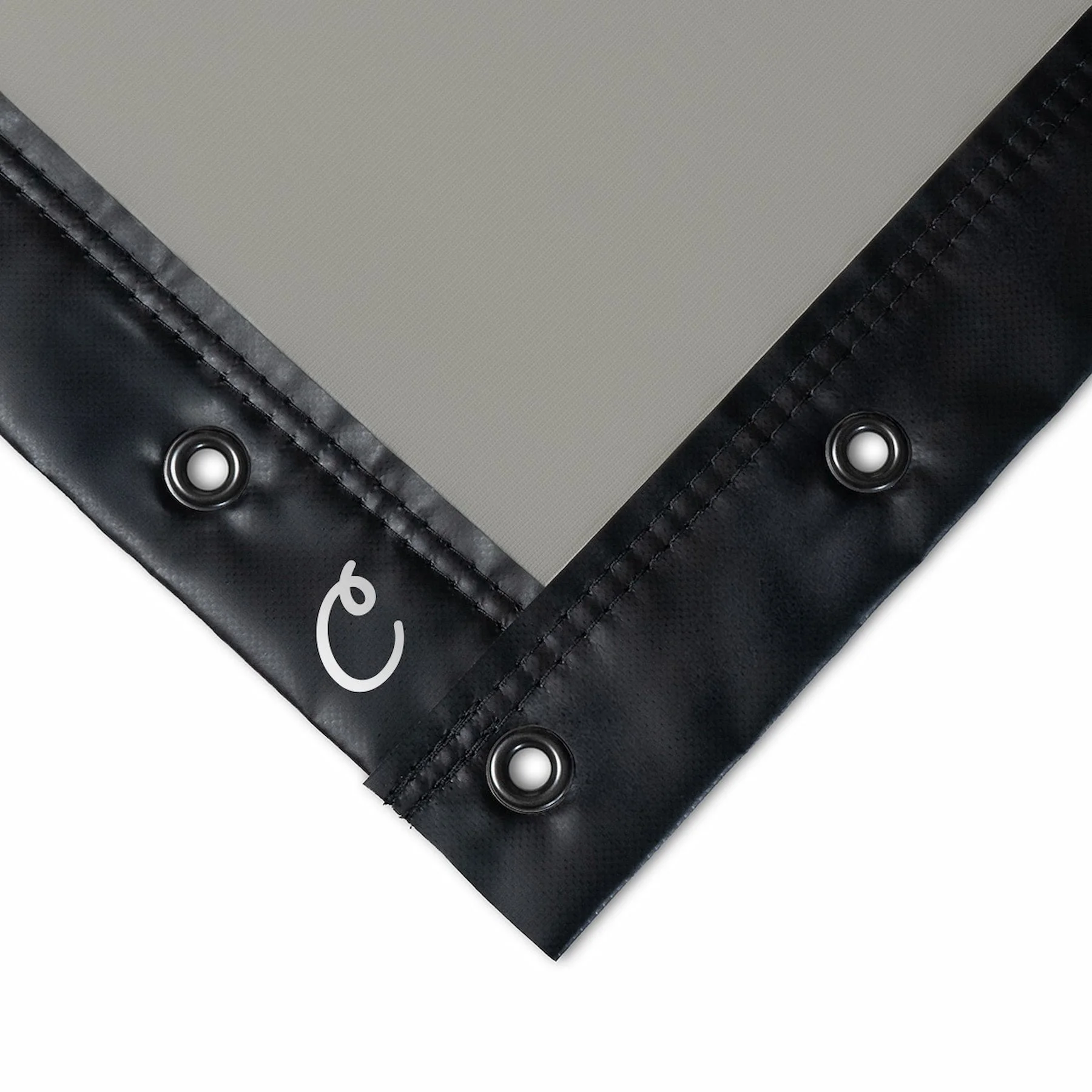
Every SimCaddy Built-In Golf Room Kit uses Carl’s Place premium, triple-layer impact screen material - either premium white or high-contrast gray.
Both screen choices are made from thick, tightly woven multilayer fabric designed to provide:
Softer ball impact
Reduced bounceback
Better acoustic performance
Long-term durability
A cleaner projected image
Improved ambient-light blocking from behind the screen

High-Contrast Gray Impact Screen
High-Contrast Gray uses the same premium triple-layer material but is designed for rooms with more ambient light. The gray screen surface helps enhance blacks and colour vibrancy, creating stronger perceived contrast when projected images are viewed in brighter environments. It is an excellent choice for rooms with windows or higher ambient light, where complete light control is not possible
Premium White Impact Screen
Premium White is the ideal all-around choice for golf rooms with controlled lighting. Its bright surface produces a crisp, detailed projected image and works especially well in dedicated simulator rooms, home theatres, and spaces where windows, doors, and ambient lighting can be controlled.



Step 3:
Choose Your Wall & Ceiling Treatment
Once the screen size and material are selected, choose how you would like to finish and protect the surrounding walls and ceiling.
Screen Only
Choose the built-in impact screen system without wall or ceiling treatment.
This option gives experienced DIY customers, contractors, and designers the flexibility to create their own custom finish using paint, carpet, millwork, curtains, foam, or other materials.
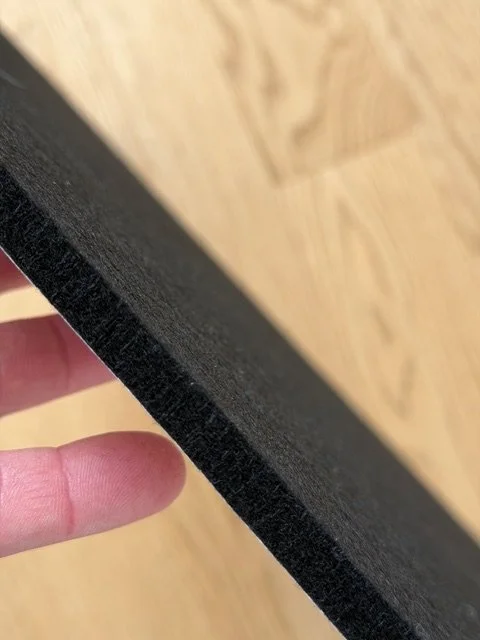
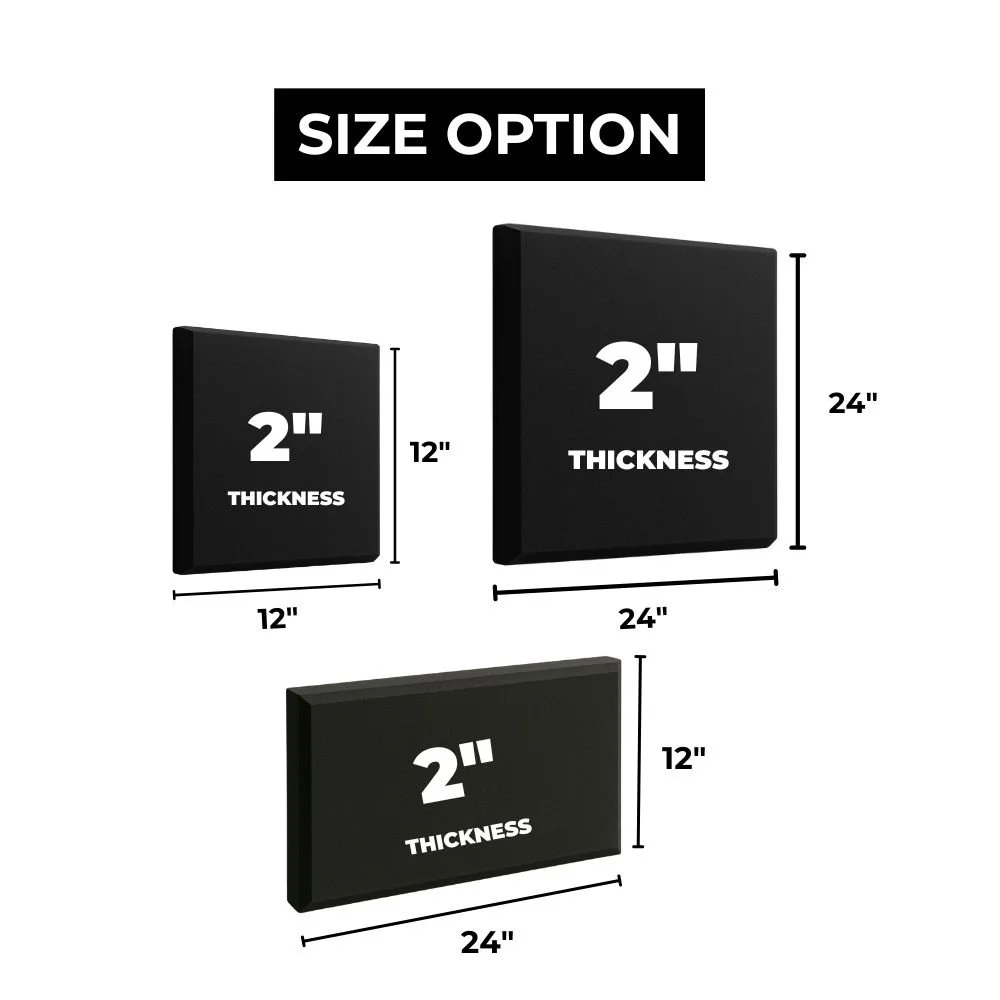
2" Thick Acoustic Foam Panels
SimCaddy’s 2" thick acoustic foam panels offer excellent value, strong impact absorption, and flexible installation.
They are available in 2' x 2', 2' x 1', and 1' x 1' sizes. Because the foam is pliable, it can be cut around vents, outlets, fixtures, corners, and other room obstructions.
These panels are installed using adhesive spray and are the best choice for customers who want meaningful protection from errant shots while maintaining a budget-conscious build.
Adhesive-Backed Acoustic Tiles
Acoustic tiles are a thinner, low-profile wall and ceiling finish that installs directly to prepared surfaces using adhesive backing.
At approximately .4" thick, they do not absorb the energy of an errant golf ball as effectively as 2" acoustic foam panels or premium acoustic wall panels. However, they are pliable, easy to cut, and excellent for finishing around trim, fixtures, vents, and other difficult areas.
They can also be used to complement thicker foam panels where a lower-profile finish is required.
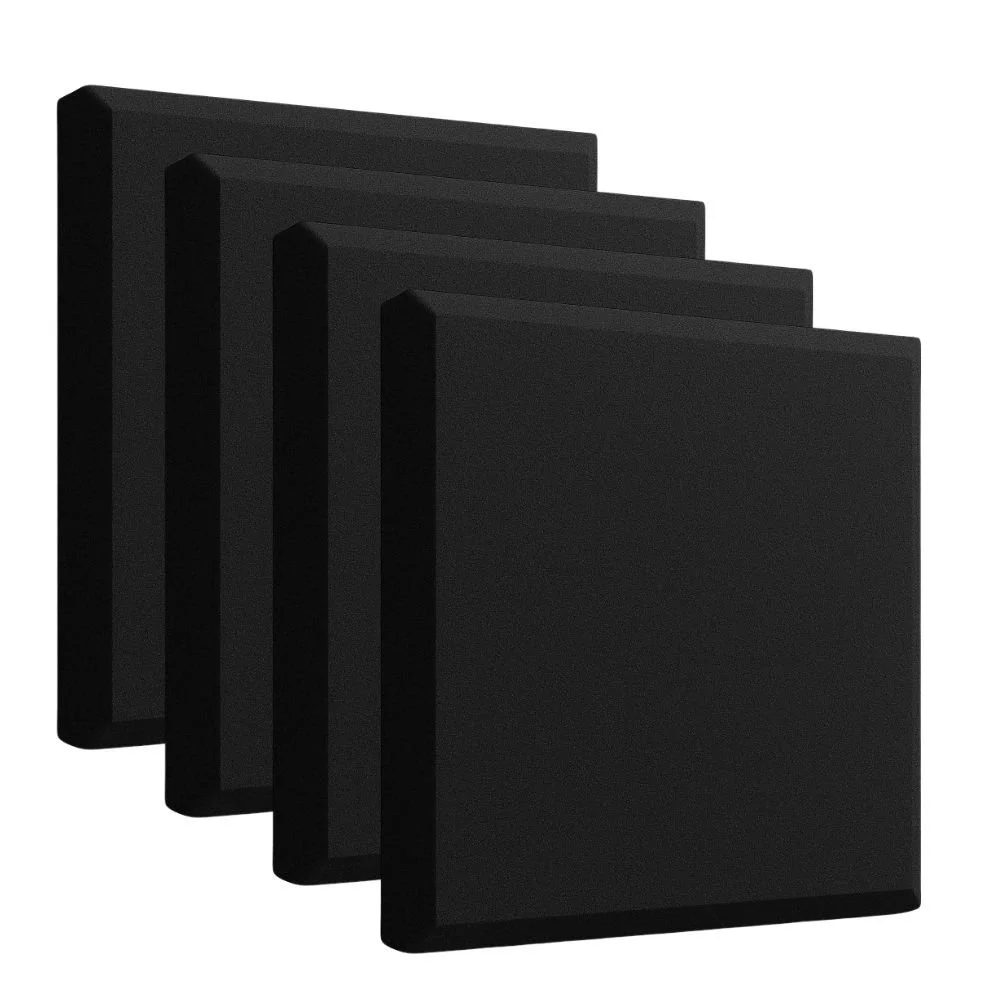
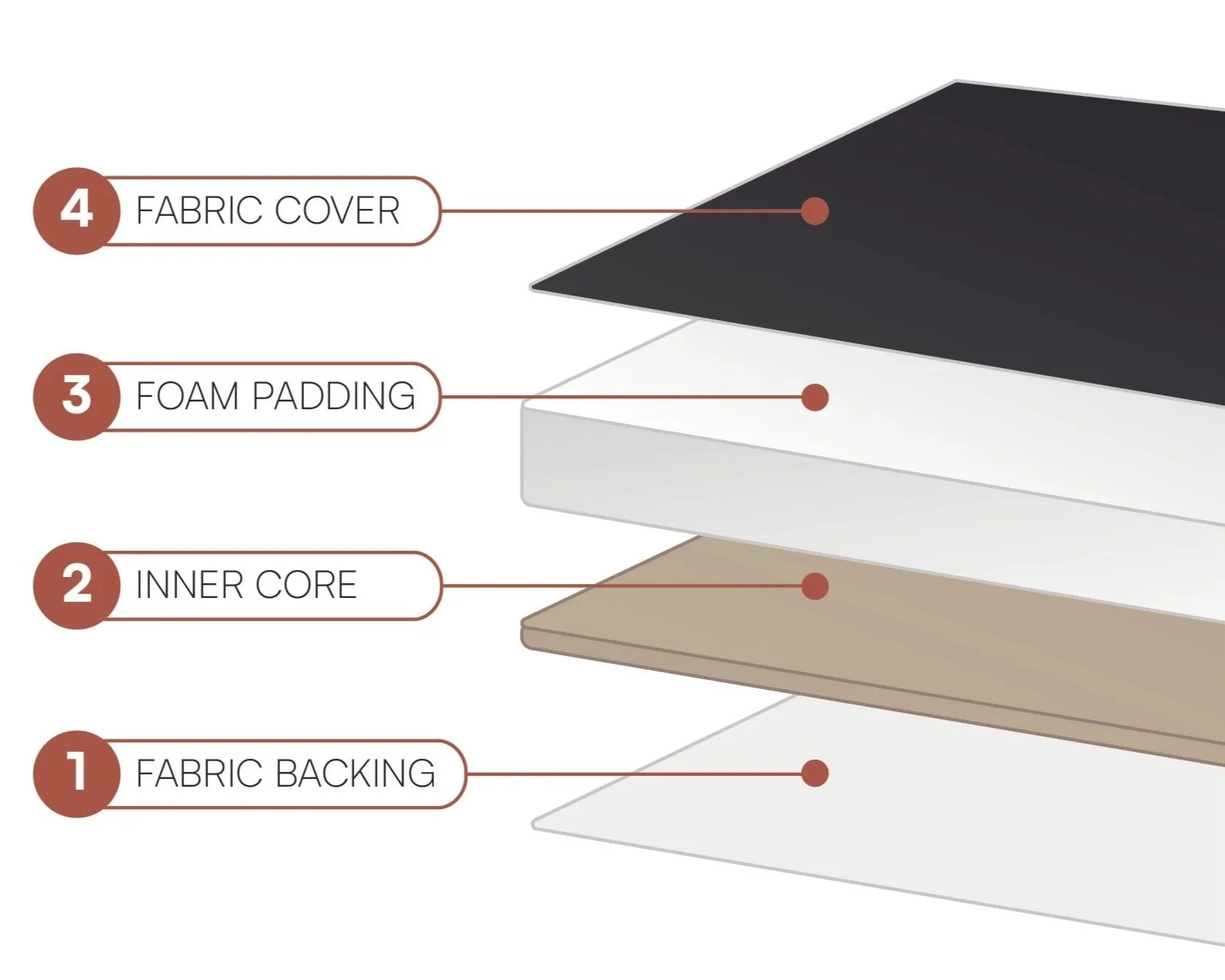
Premium Fabric-Wrapped Acoustic Wall Panels
For the most refined, luxury-grade built-in finish, choose premium fabric-wrapped acoustic wall panels.
These 2" thick panels feature a wood-backed core, foam padding, and smooth black woven upholstery fabric. They provide strong energy absorption and create a polished architectural finish for high-end residential rooms, golf studios, showrooms, and commercial spaces.
Panels are typically 3' x 2' but can be customized around your room framing and openings. They attach using French cleats and Z-clips, creating a secure, durable installation.
Starter panels may be added around the impact screen perimeter to create a clean transition between the screen flaps and the surrounding acoustic panels.
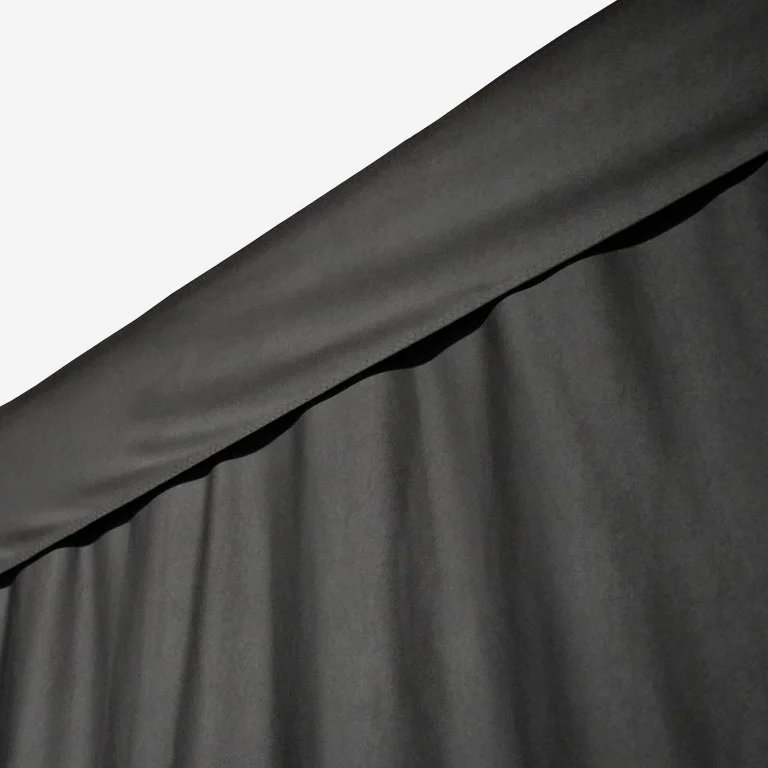
Retractable Golf Room Curtains
Golf room curtains are ideal for rooms with doors, windows, or areas that need to remain accessible when the simulator is not in use.
Mounted to ceiling-track hardware, the curtains can be pulled closed during play to help block ambient light and create a more immersive golf environment. When finished, they can be opened to restore access to the room.
Curtains are a practical option for multi-purpose roo
ms, commercial bays, and spaces where permanent wall treatment is not the best fit.



Step 4:
determine Your Depth
After choosing your wall and ceiling treatment, determine how far it should extend from the impact screen toward the hitting area. Coverage can range from a simple perimeter finish around the screen to a deeper, more comprehensive treatment along the side walls and ceiling.
SimCaddy can help recommend the right coverage depth based on your room size, hitting location, player handedness, ceiling height, launch monitor, and desired level of protection.
Step 5:
get custom quote
To begin designing your built-in golf room, send us the following details of your room:
Width, Height, and Depth of the room
Photos of the intended screen wall, side walls, and ceiling
Locations of doors, windows, vents, lights, outlets, and soffits
Your preferred projector, if known
Your intended launch monitor
Preferred impact screen colour: Premium White or High-Contrast Gray
Preferred wall and ceiling treatment
Whether the project is residential or commercial
SimCaddy will help configure a built-in golf room that fits your space, works with your projector, and delivers the level of finish and protection you want.


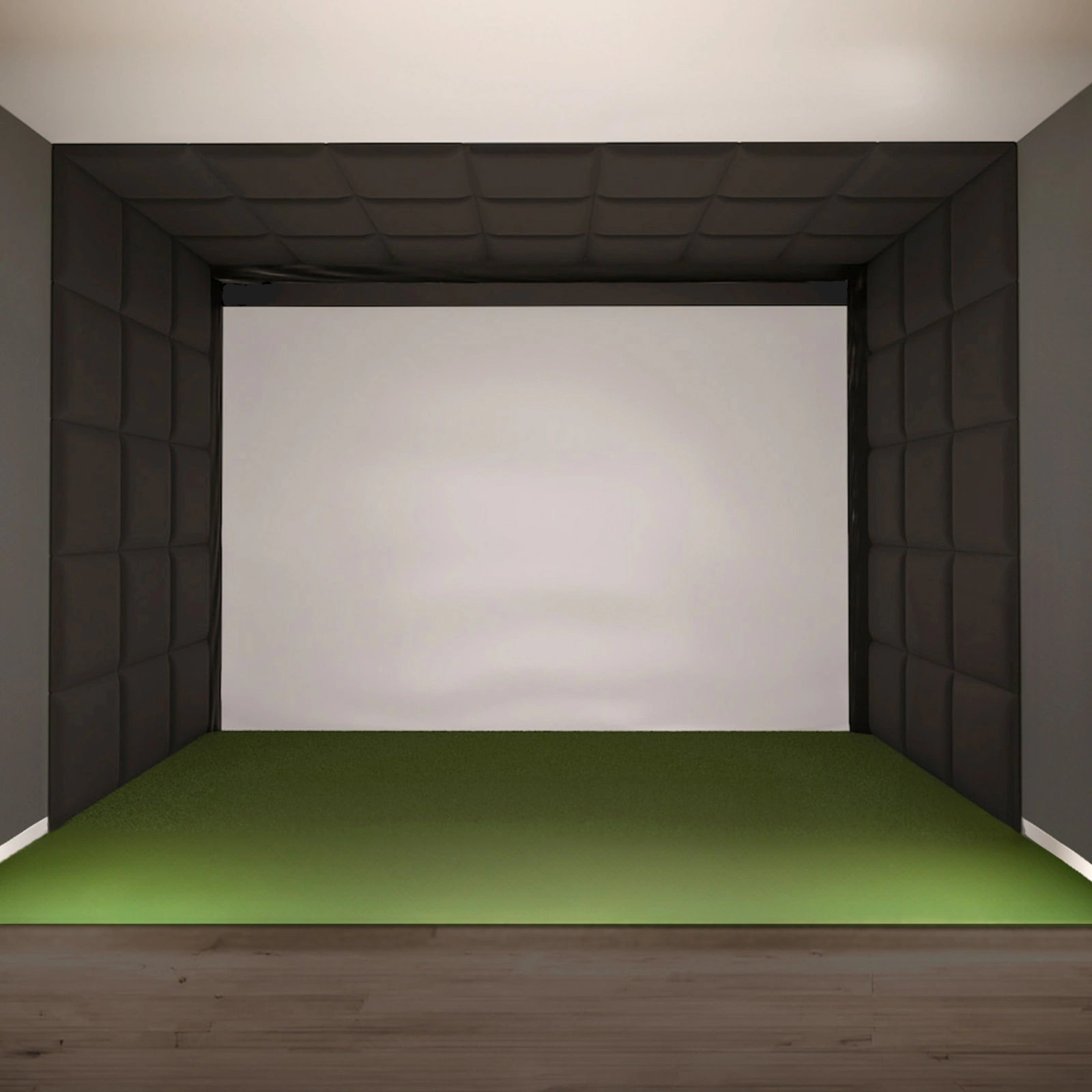
Create Your Golf Room
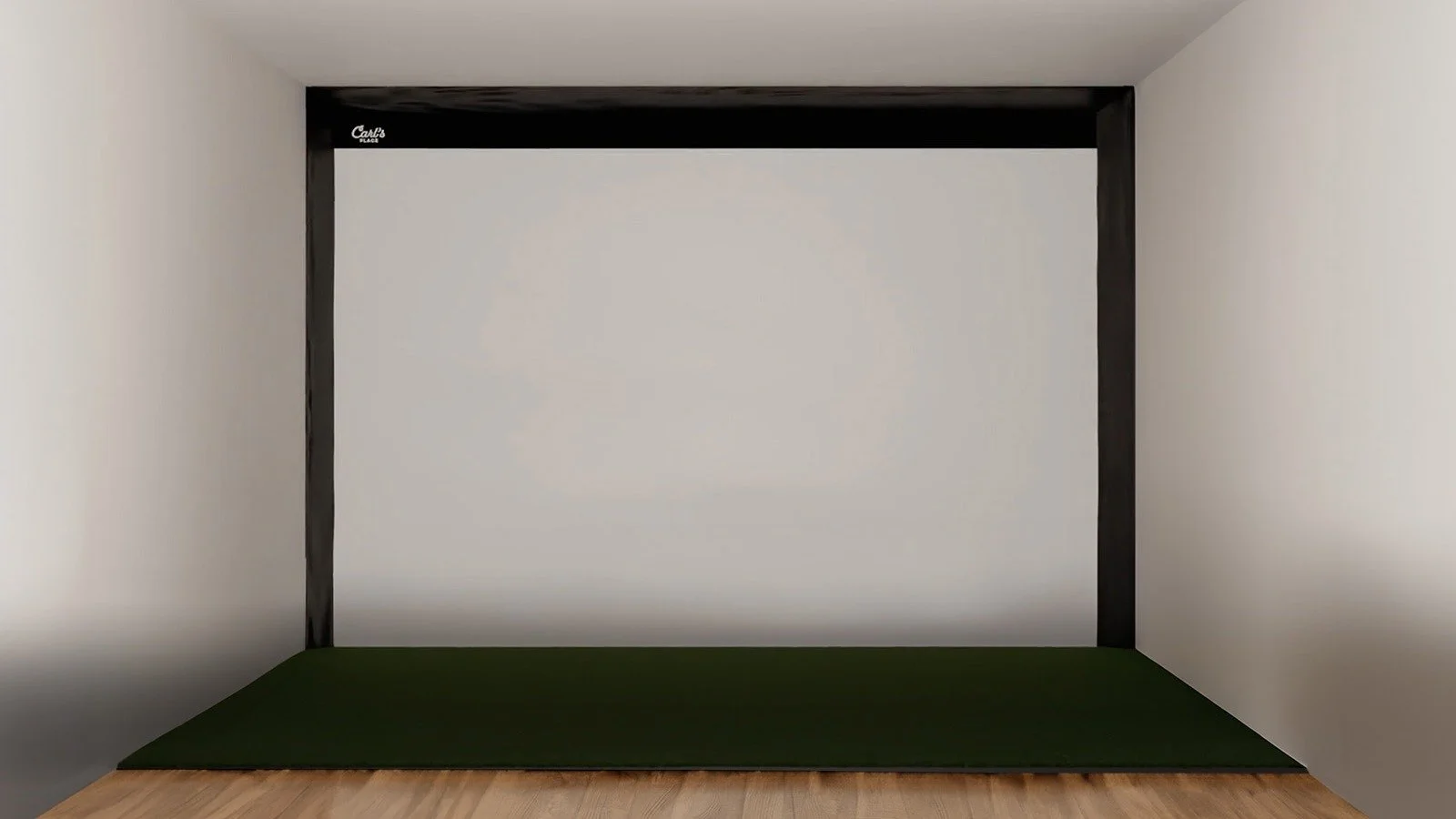
Carl’s Built-In Golf Room Kit takes your golf simulator experience to a new level by providing a fully immersive and permanent setup in the dedicated space of your choosing.
Based on Room Size 17’W x 10’H x 20’D (can be modified for custom sizes)
Viewable Screen Size 192.8”W x 108.4”H - maintains native 16:9 aspect ratio with projector
Premium Impact Screen - top-tier durability, triple-layer, tight-knit screen for the quietest impacts, higher definition image, and tested to withstand thousands of 250MPH golf balls.
Hook & Loop Fastener
Optional Acoustic Wall Treatment
Foam Insert Kit
Hardware, Turnbuckles, Shock-cord, Accessories
Detailed Instructional Guide
Golf Simulator Screen Upgrade – Carl’s Place Built-In Kit | SimCaddy Install Walkthrough

Meet PROTEE UNITED’s VX
Discover the cutting-edge advancements within ProTee United's VX, a visionary new A.I.-enhanced high-speed ceiling launch monitor. Embodying the pinnacle of modern technology, this expertly designed system incorporates dual high-speed camera systems capturing and analyzing all essential shot data within milliseconds to deliver remarkably precise results.
a new era in golf simulation has begun

installation services available
Not a DIY person? That’s ok. Our team of certified AV experts have extensive knowledge of experiential design, immersive technologies, and a passion for golf. This ensures that your home golf simulator is designed and installed flawlessly. While we are located in Halifax, Nova Scotia, our global network of certified AV technicians is rather extensive. Reach out to us today, and discover how we can kickstart your project.
Click Here for Custom Quote

FREE SHIPPING
Enjoy complimentary shipping across Canada for most purchases

SECURE CHECKOUT
All transactions are protected with SSL encryption.

Need Help?
Contact us at +1 (902) 219-2285 or by email at Tom@SimCaddy.com