
The Foundation for Better Indoor Golf
Clean Gear, Clean Shoes, Better Data. Simple Habits That Optimise Your Golf Simulator Experience
When golf season moves indoors, many players jump straight into swing work without realizing that some of the biggest improvements in a golf simulator setup happen before the first shot. A simulator is a significant investment, and that investment deserves the kind of care and routine that keeps your indoor golf space performing at its best. Because the simulator environment is controlled and precise, whatever you bring inside (dirt, debris, or scuffed equipment) stays inside and can affect launch monitor accuracy and screen quality. Taking a few moments to prepare your gear and your space protects your system, improves your data, and sets the tone for better indoor practice.
Start the Indoor Season With a System Checkup
The transition from outdoor to indoor golf is the perfect time to give your simulator a quick seasonal checkup. Inspect the screen for tension issues or early signs of wear, ensure mounts and fixtures are secure, clean your sensors, and confirm all cables are properly connected. A few minutes of maintenance helps prevent equipment failure and keeps your system running safely and reliably all winter.
Keep Your Equipment and Sim Area Clean and Dust-Free
Clean clubs matter indoors more than most golfers realize, but so does keeping your entire simulator space maintained. Outdoors, dirt and grass fall away naturally, but inside, debris accumulates on your mat, your screen, and your clubface, which can affect both your launch data and your equipment. Dust also builds up over time, especially around projectors, where filters need periodic cleaning or replacement to maintain brightness and protect internal components.
A clean clubface ensures accurate launch readings, a clean sole ensures proper turf interaction, and a clean environment helps keep sensitive electronics running smoothly. Regular habits like wiping down surfaces, vacuuming frequently, and maintaining projector filters go a long way in preserving accuracy, performance, and the long-term health of your setup.
Ball Condition Matters
Golf ball condition is just as important—and sometimes even more so. Each impact between the ball and the screen creates friction, enough that a brand-new ball will show wear after extended use. When a scuffed or cut ball gets into the mix, that friction can act like sandpaper, slowly damaging the fibres of your screen and potentially leading to tears. Markings, dirt, and rough covers also smear onto the fabric and dull your projected image. Clean, unmarked balls protect your screen and give you more reliable data.
Use Dedicated Footwear
Footwear is another simple detail that improves indoor consistency. Dedicated indoor-only golf shoes provide stable, predictable traction and keep dirt, sand, and moisture off your hitting mat. They also offer a comfortable way to break in new shoes over the winter without dealing with outdoor conditions.
Preparation Is the Real Foundation of Indoor Golf
Indoor golf is built on consistency, and consistency starts with preparation. Clean equipment, clean balls, clean shoes, and a quick seasonal tune-up create a safer, more accurate, and more enjoyable simulator experience. The swing may be the focus, but the habits you bring into the bay are what make better indoor golf possible.
Tom Murray is the Founder and President of SimCaddy, a golf simulator design and supply company serving customers across Canada. As a CTS-certified audiovisual professional, Tom combines his AV expertise with a passion for golf simulators, specializing in designing and building advanced systems for both residential and commercial spaces. His focus is on delivering immersive, high-quality solutions tailored to each client’s unique needs.
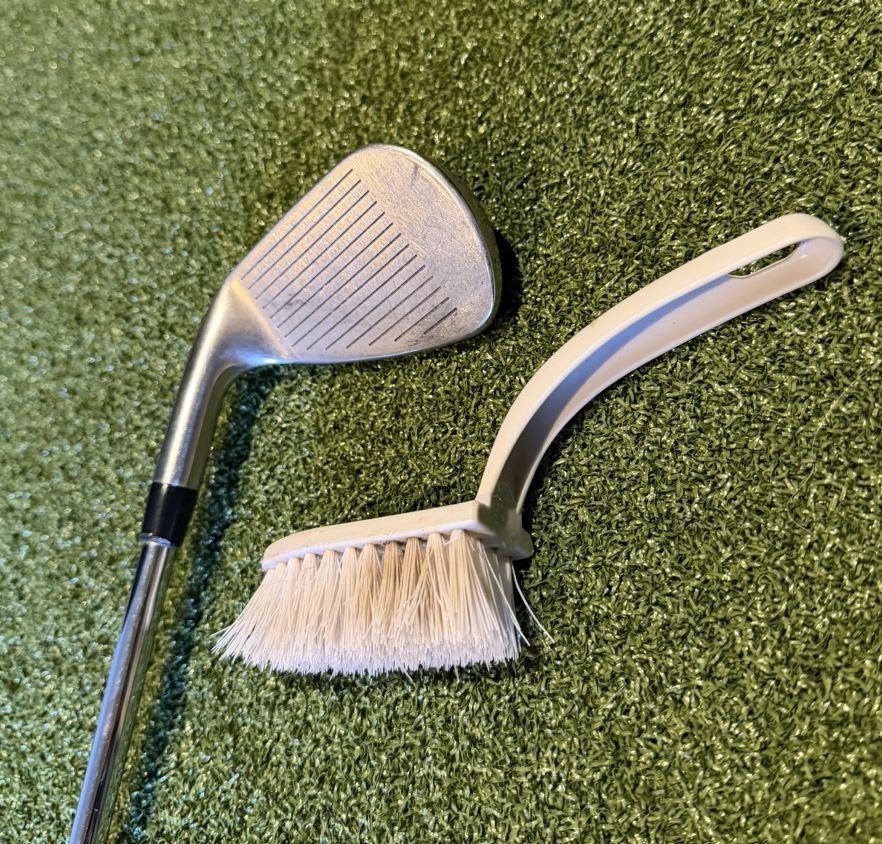
Clean clubs and equipment protect your data and your screen.
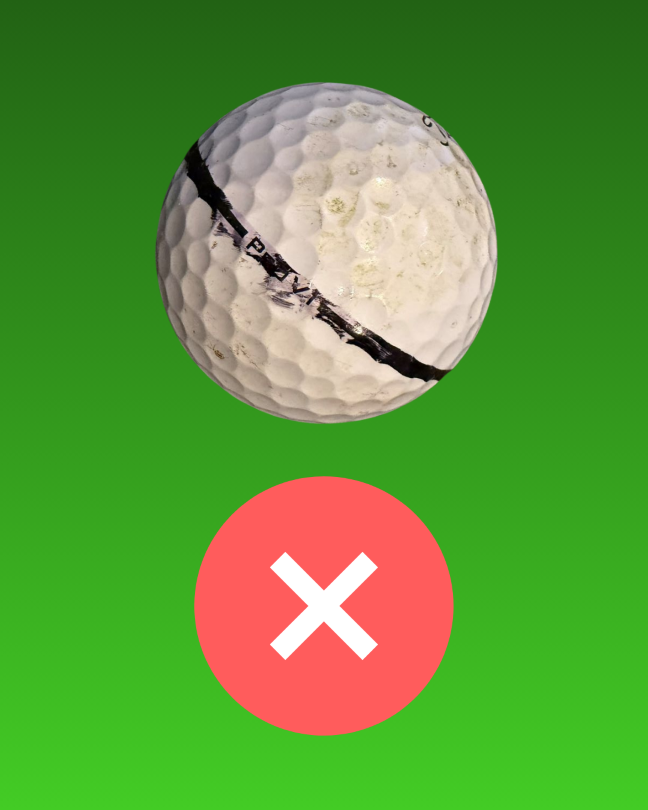
Dirty or marked balls transfer debris and damage your impact screen.

Clean balls ensure consistent readings and protect screen quality.
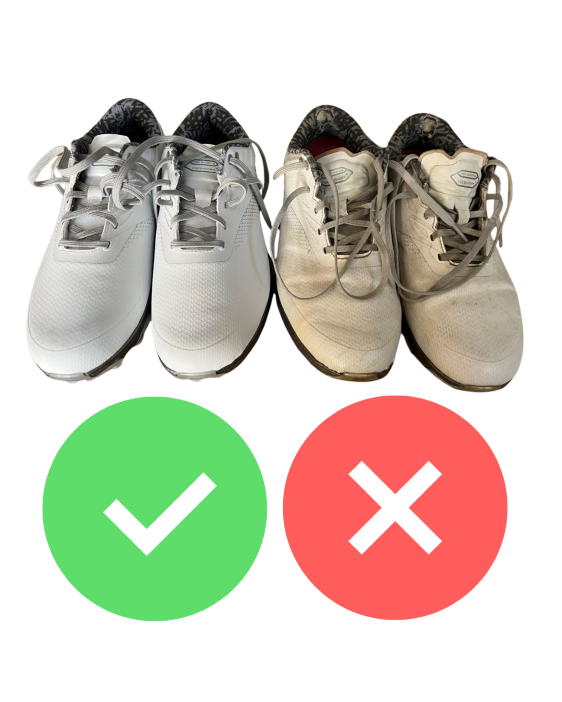
Use a separate pair of indoor golf shoes, preferably the same brand, model, and fit as your outdoor ones.