 Image 1 of 9
 Image 2 of 9
 Image 3 of 9
 Image 4 of 9
 Image 5 of 9
 Image 6 of 9
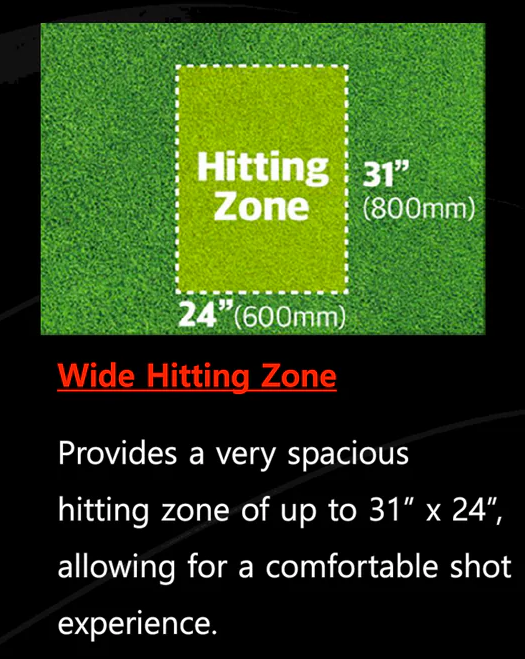 Image 7 of 9
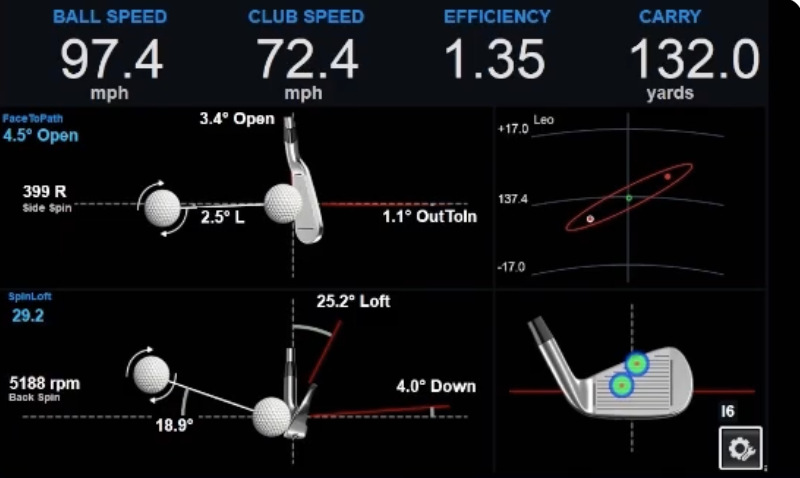 Image 8 of 9
 Image 9 of 9
VTrack specifications
VTrack
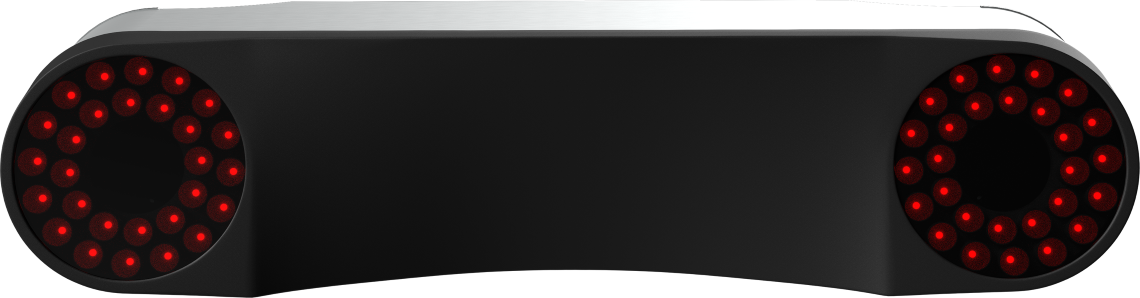
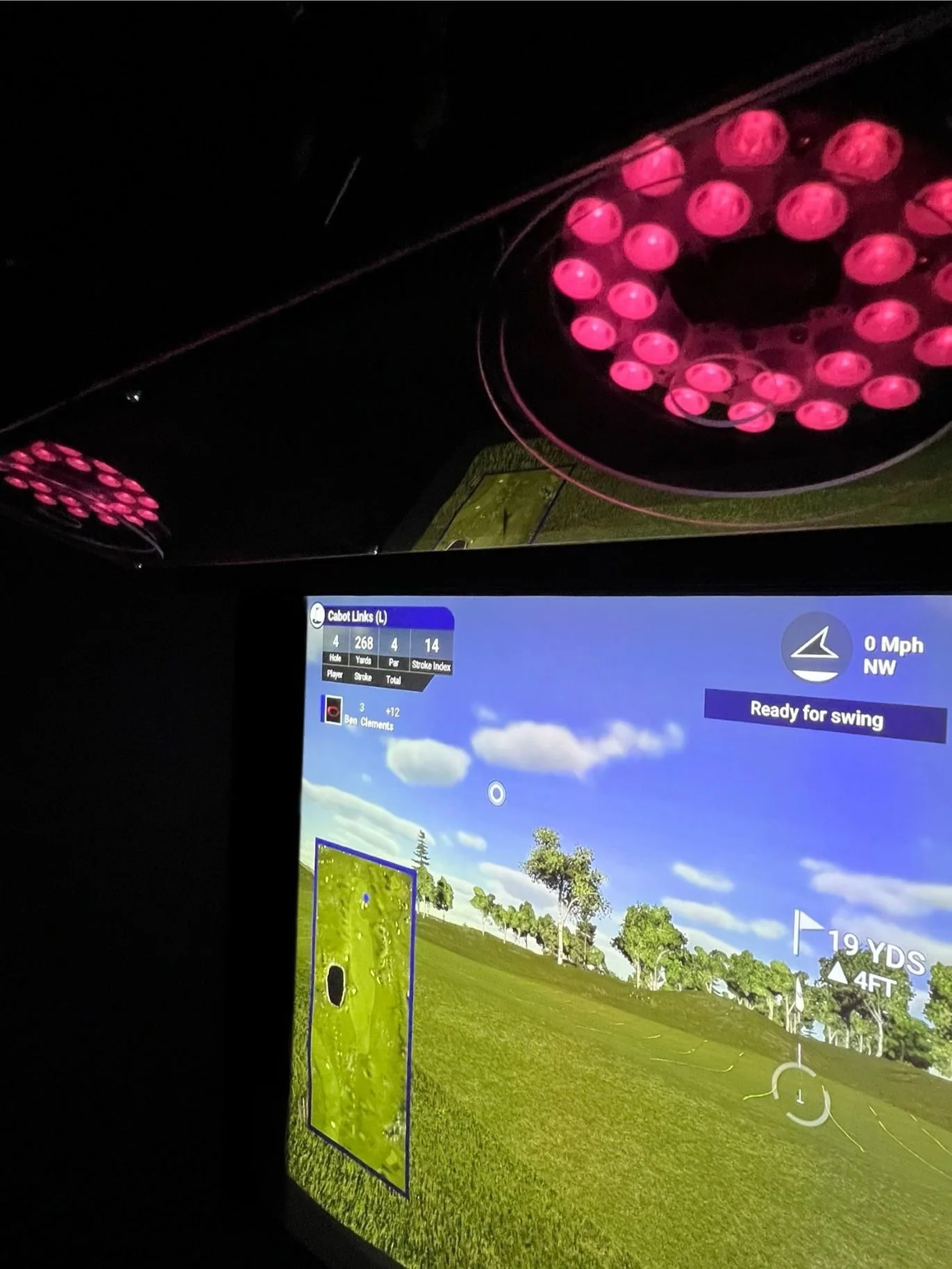
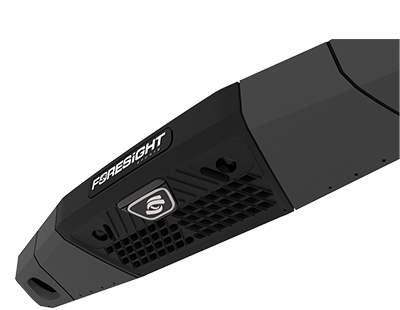
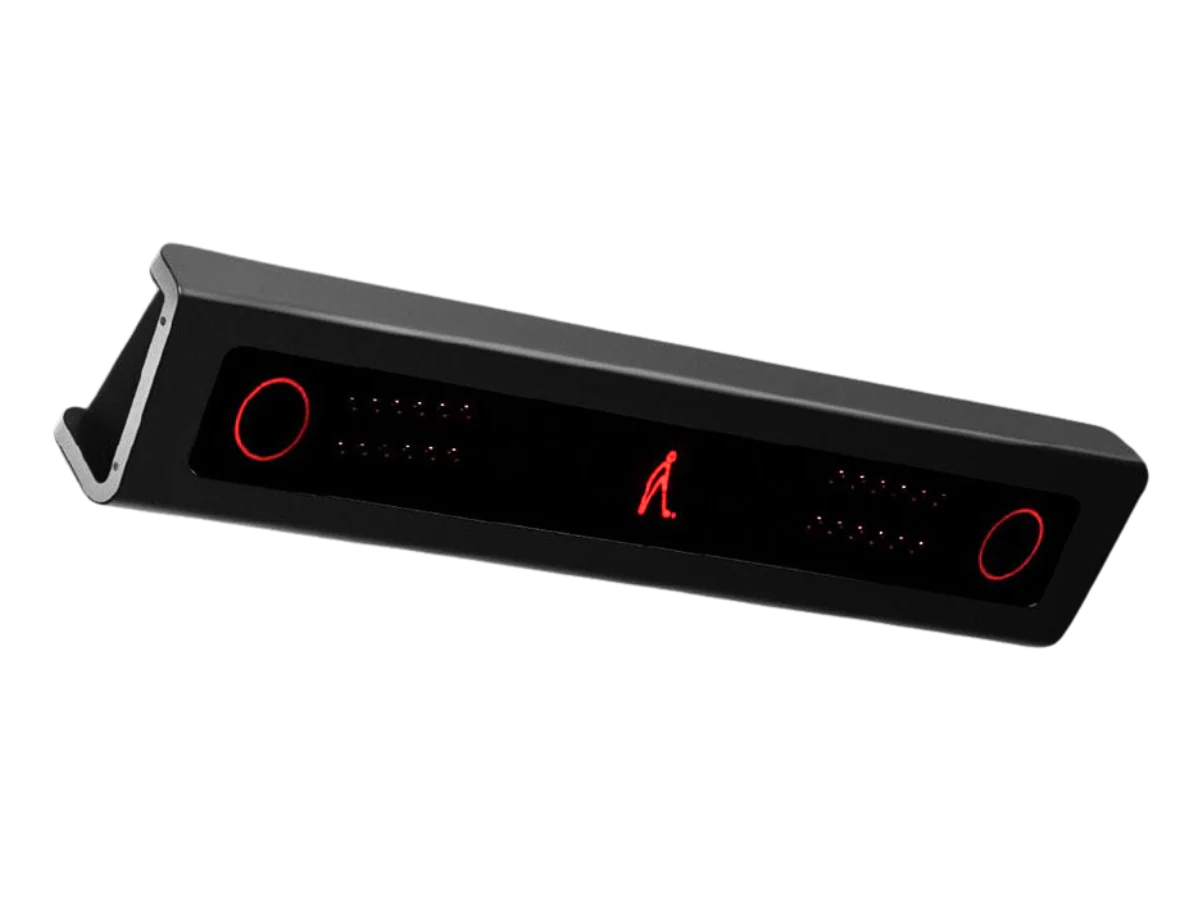
Ceiling-mounted launch monitor
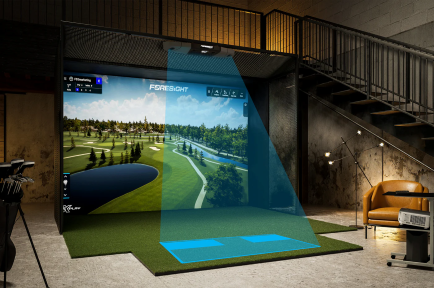
Wide hitting area (31” × 21”)
Dual stereoscopic cameras supporting up to 1,800 fps
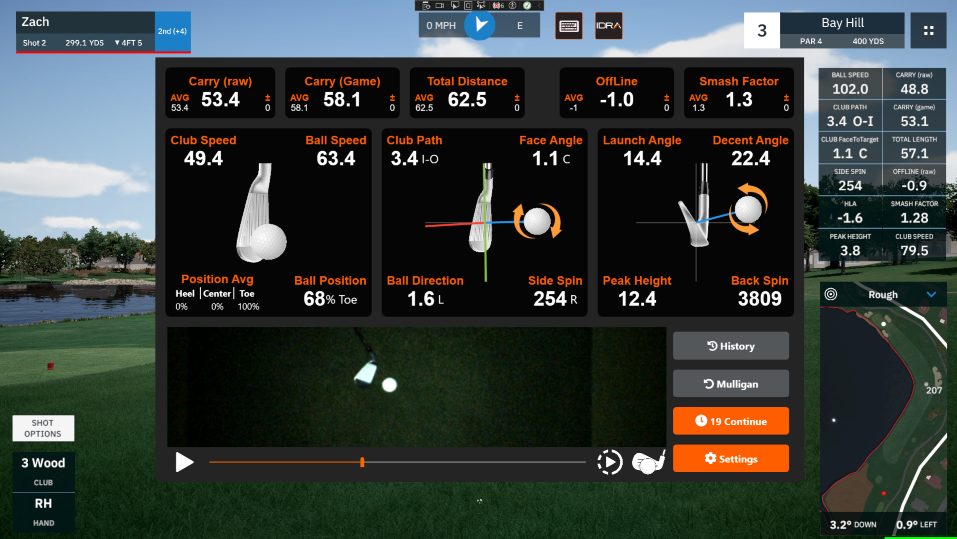
Provides 23 ball and club data points
Compatible with major third-party simulators such as E6 Connect and GSPro
No club sticker required
Space requirements
(Recommended) Impact Screen ↔ Hitting Zone: minimum 118” (≈ 3m)
(Required) Floor ↔ Ceiling: 106” ~ 122” (≈ 2.7 ~ 3.1m)
(Recommended) Room Width: 213” (≈ 5.4m)
Installation
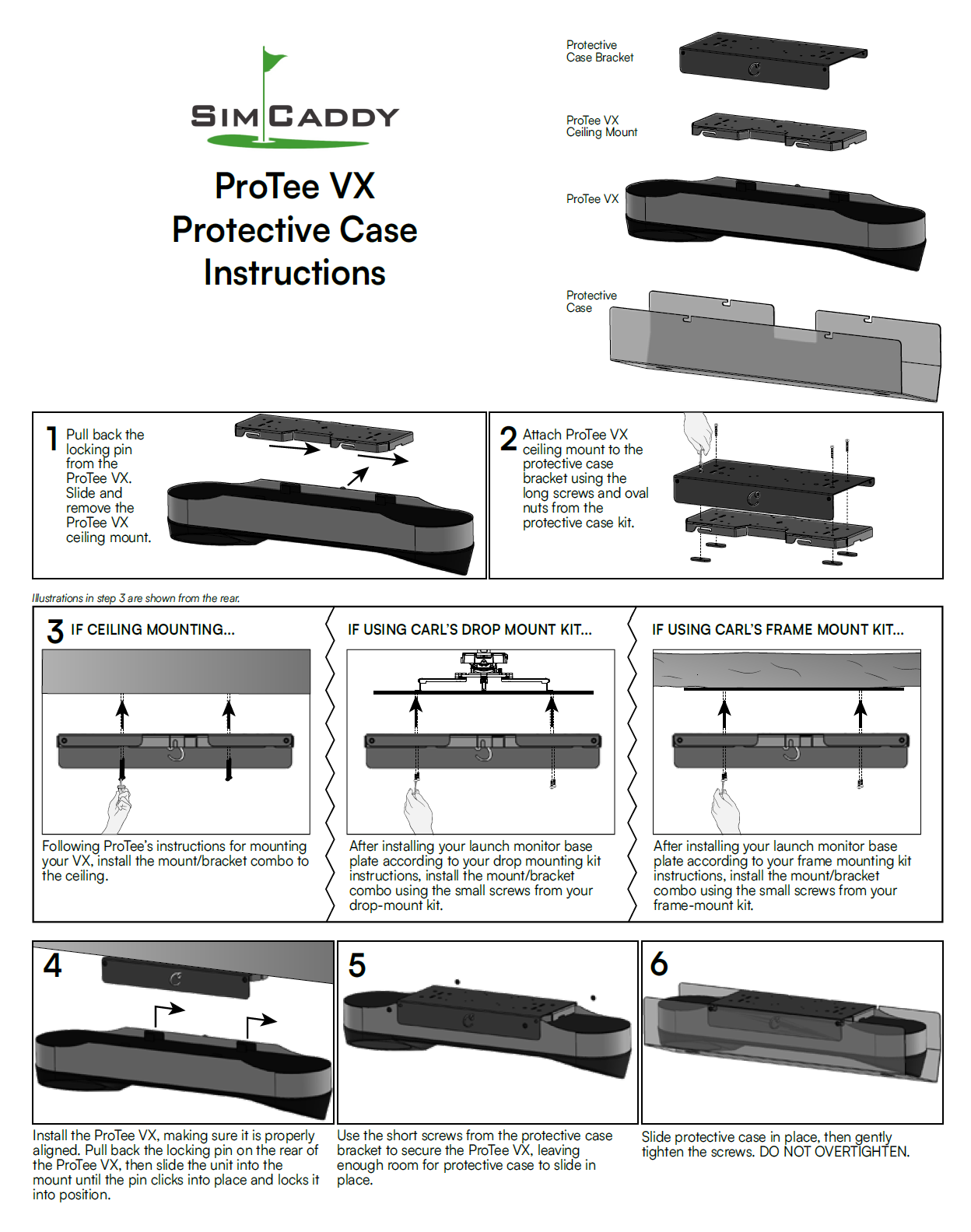
The VTRACK should be mounted between 36-42" inches in front of the hitting area and 8.5-10 feet above the hitting area. The recommended hitting spot is measured at a 72 degree angle from ball to ceiling . It recommended that balls are hit at least 10 feet away from your impact screen and having 8 feet on your left, right and back side for a safe, unobstructed swing.
Computer requirements
Operating System (OS):
Windows: Most golf simulation software requires a recent version of Windows. Windows 10 or later versions.
Processor (CPU):
A modern multi-core processor, Intel i5 or i7 (or equivalent AMD processor). 10th generation or newer.
Memory (RAM):
Minimum: 8GB RAM
Recommended: 16GB RAM or higher
Graphics Card (GPU):
Dedicated graphics cards recommended over integrated graphics. RTX3070 or equivalent.
NVIDIA or AMD cards with a certain amount of VRAM (like 4GB or more) may be specified.
Hard Drive:
Solid State Drives (SSD) are often preferred over Hard Disk Drives (HDD) for faster load times and better performance.
A specific amount of free space, often 20GB or more, might be required for software installation and data storage.
Internet Connection:
A stable internet connection might be necessary for software updates, online play, and accessing cloud features.
USB / Cat5 Ports:
Required for connecting the launch monitor and other peripherals to the computer.
Additional Software:
Some applications may require the latest versions of drivers for graphics cards or other peripherals.
Other supporting software such as DirectX, .NET Framework, or specific runtime environments might be needed.
Display:
Resolution recommendations, 1080p (Full HD) or 4K.
Refresh rate recommendations of minimum 60fps.